Close Menu
    Facebook X (Twitter) Instagram
    TekratiTekrati
    • Home
    • Tech
    • Interviews
    • Business
    • Experts
    • BioTech
    • Entertainment
    • NFT
    • SaaS
    • Community
    • Sitemap
    TekratiTekrati
    Home»Entertainment»Make Sure Your Mac Has the T2 Chip Before Watching Netflix on 4K
    Entertainment

    Make Sure Your Mac Has the T2 Chip Before Watching Netflix on 4K

    Irene HawkinsBy Irene HawkinsOctober 2, 2020No Comments2 Mins Read
    Facebook Twitter Pinterest LinkedIn Tumblr Email
    Make Sure Your Mac Has the T2 Chip Before Watching Netflix on 4K
    Share
    Facebook Twitter LinkedIn Pinterest Email

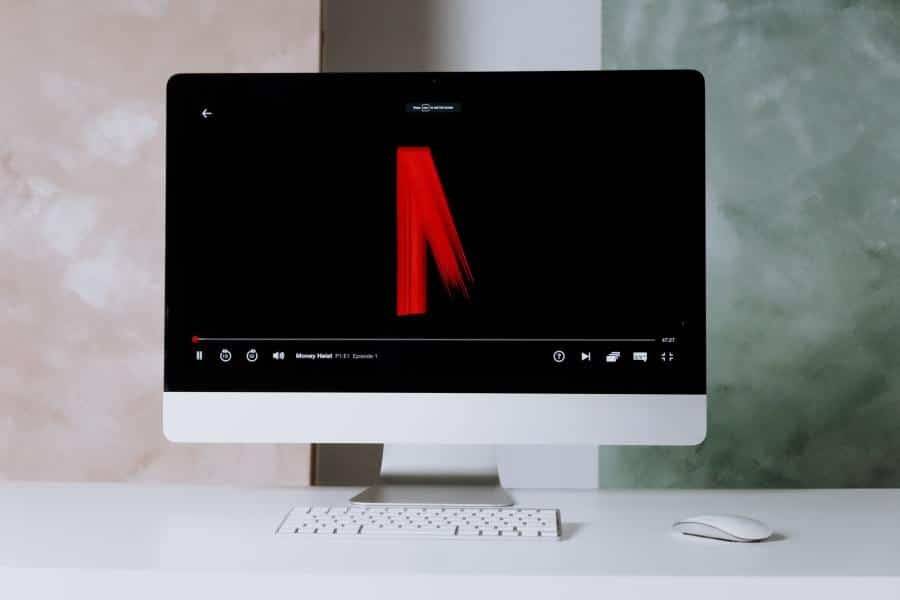
    If you want to watch 4K HDR Netflix on your old Mac, you might think twice before moving to macOS Big Sur. While the new macOS supports 4K HDR, you can only watch it on Macs with the T2 security chip. 

    Apple’s T2 Chip and Netflix

    According to a Netflix support document, only Macs released in 2018 or later supports 4K Netflix. To check if your Mac fits the bill, look at The Verge’s list of compatible models:

    •     iMac (2020)
    •     iMac Pro 
    •     Mac Pro (2019)
    •     Mac mini (2018)
    •     MacBook Air (2018 or later)
    •     MacBook Pro (2018 or later)

    You can also check on Apple’s website if your Mac has the T2 security chip. Sadly, even if your pre-2018 Mac could support 4K in theory, the T2 chip’s absence makes it impossible. 

    Why Do Macs Need the T2 Chip?

    The Verge guesses that Macs need the T2 chip because it works as a co-processor. According to Apple, the chip’s video processing power also supports the HEVC video codec. The company also adds that the T2 chip doubles the speed of transcoding HEVC video, compared to previous Macs. 

    A lot of older Macs won’t be able to watch 4K Netflix this fall because of a missing chip https://t.co/xtzkWoobZV pic.twitter.com/4QnCHjYv6c

    — The Verge (@verge) October 2, 2020

    How Do I Watch 4K Netflix on My Mac?

    Before watching 4K Netflix on your new Mac, you also need to get Netflix’s Premium plan for $15.99 a month. Even then, you could only watch 4K Netflix on Safari. It wouldn’t work on other browsers.

    Moreover, even Windows has strict requirements for watching 4K Netflix. You need to be on Windows 10. Also, they could only watch 4K Netflix on Microsoft Edge or the Netflix app. Moreover, you would need a 4K display and a machine with a powerful CPU or GPU. 

    Apple’s T2 Mac Netflix
    Share. Facebook Twitter Pinterest LinkedIn Tumblr Email
    Irene Hawkins

    Irene grew up in Dayton, Ohio, and now lives in New York as a full-time environmentalist and a part-time journalist. She was previously an editor at local online newspaper, where she wrote about topics including technology, finance and the media industry.

    Related Posts

    519169841778606441

    May 12, 2026

    Master Your Bitcoin & Cryptocurrency Assets with Trezor Suite Management Platform

    April 17, 2026

    Complete Trezor Wallet Download Steps – Secure Your Cryptocurrencies Like A Pro

    April 1, 2026
    Browse by Category
    • Advanced Technology
    • anime
    • BioTech
    • Business
    • Communication Technology
    • Community
    • Entertainment
    • eSports
    • Experts
    • Health
    • Interviews
    • News
    • NFT
    • Politics
    • Post
    • Quantum Computing
    • rahmennummern-check.de
    • SaaS
    • science
    • Snapchat
    • Tech
    • Uncategorized
    • Water Level Sensor
    Archive
    Contact Us
    Email - staff@tekrati.com
    Facebook X (Twitter) Instagram Pinterest
    • About us
    • Write For Us
    • Meet the team
    • Editorial Policy
    • Terms & Conditions
    © 2026 Tekrati.com

    Type above and press Enter to search. Press Esc to cancel.